
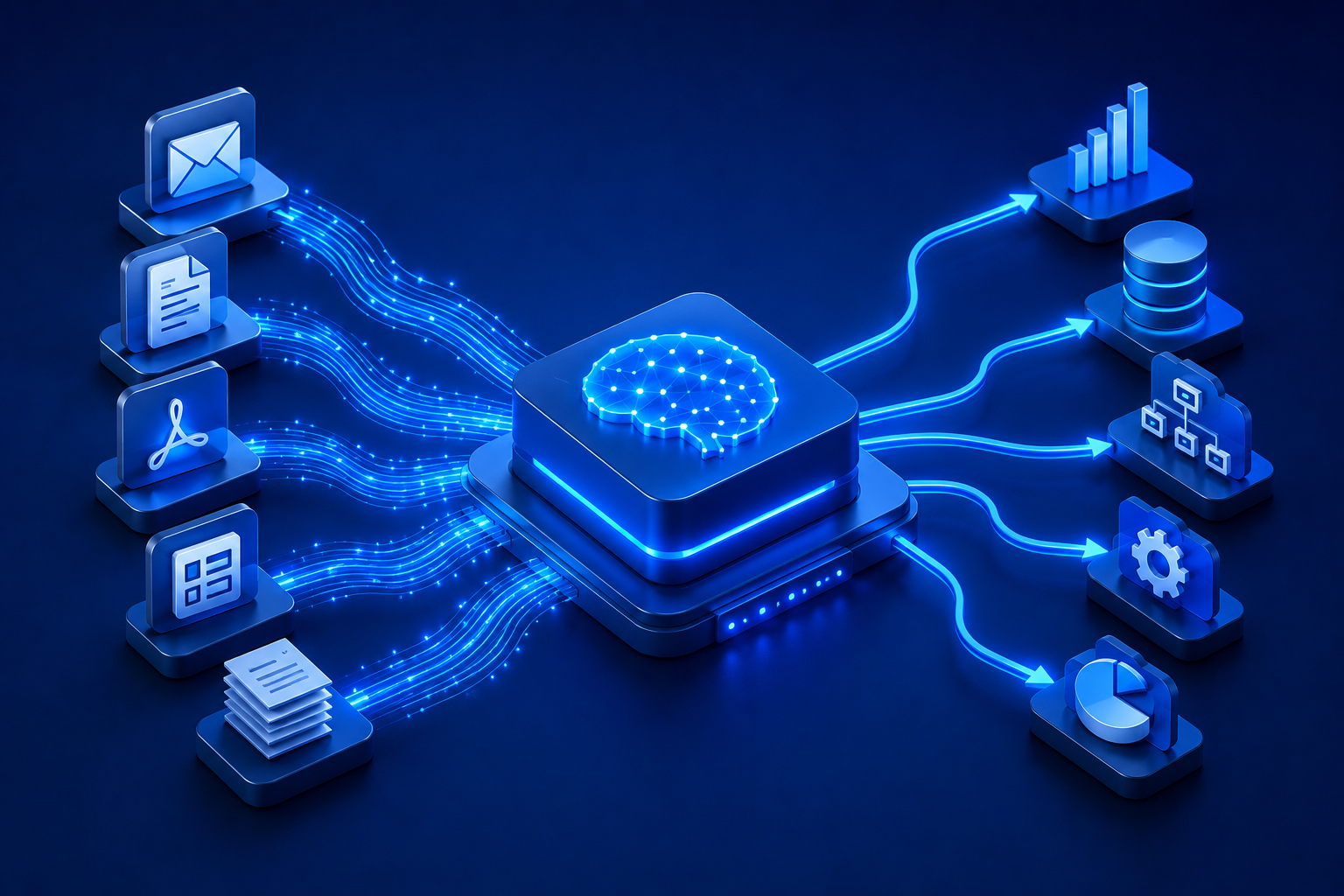
Every organisation runs on documents. Invoices arrive by the hundreds. Contracts need review. Insurance claims must be assessed. HR teams process onboarding forms. Healthcare providers manage clinical notes. Purchase orders flow in from dozens of suppliers. The volume is enormous – and the vast majority of it is handled manually.
That manual handling costs more than most organisations realise. It consumes staff time, introduces errors, creates bottlenecks, and slows down processes that should be fast. The core challenge is that most of this information exists as unstructured data – PDFs, scanned images, Word documents, emails – that traditional software cannot read in any meaningful way.
Intelligent Document Processing (IDP) is the technology that solves this problem. It enables organisations to automatically extract, classify, validate, and act on information from any document type, at scale. This guide explains what IDP is, how it works, and where it delivers the greatest business value.
The Problem with Unstructured Documents
Enterprise data broadly falls into two categories: structured and unstructured. Structured data lives in databases and spreadsheets – it follows predictable formats that software can query directly. Unstructured data is everything else: documents, emails, images, contracts, forms, clinical notes.
Organisations that have mapped their document workflows consistently find that the majority of their business-critical information arrives as unstructured data. An accounts payable team receives invoices in dozens of formats from different suppliers. A legal team reviews contracts that use different clause structures and terminologies. A bank’s KYC team processes identity documents from multiple jurisdictions, each with different layouts.
Traditional approaches rely on people to read these documents, extract the relevant data, and enter it into the appropriate systems. This works at low volume but fails at scale. Processing times stretch. Error rates climb. Staff spend significant portions of their day on repetitive, low-value data entry rather than higher-judgment work.
What Is Intelligent Document Processing?
Intelligent Document Processing (IDP) is an AI-powered technology that automatically ingests, classifies, extracts, validates, and routes structured data from any type of document – regardless of format, layout, or language.
IDP is not simply a faster version of manual processing. It fundamentally transforms the role documents play in a workflow. Instead of a document being something a person reads and acts upon, it becomes an input that the system processes automatically, extracting clean, structured data that can feed directly into downstream applications – an ERP, a CRM, a workflow engine, or a compliance system.
A modern IDP system handles the full document lifecycle:
- Ingestion: Documents are captured from any source – email, scanner, web portal, file share, or API feed.
- Classification: The system identifies what type of document it is – invoice, purchase order, contract, identity document, clinical note – even when it has never seen that specific template before.
- Extraction: Relevant fields are located and extracted. For an invoice this might be vendor name, invoice number, line items, tax amount, and payment terms. For a contract, it might be parties, effective date, termination clauses, and obligations.
- Validation: Extracted data is checked for accuracy – cross-referenced against master data, verified against business rules, and flagged for human review if confidence thresholds are not met.
- Action: Clean, validated data is routed downstream – to trigger a payment, update a record, initiate a workflow, or escalate an exception.
IDP vs OCR: An Important Distinction
Business leaders often encounter OCR – Optical Character Recognition – as a precursor to IDP, and the two are sometimes confused. Understanding the difference is important when evaluating what your organisation actually needs.
OCR reads text from images. If you scan a printed document, OCR converts the pixels into characters. That is all it does. It produces a string of text without any understanding of what that text means, what fields it represents, or what should be done with it. OCR is a component of IDP, but it is only the first step.
IDP goes far beyond OCR in several critical ways:
- OCR extracts characters. IDP extracts meaning – it identifies that a number followed by a date and a company name constitutes an invoice and maps each value to the correct field.
- OCR treats every document the same. IDP classifies document types and applies different extraction logic to each.
- OCR has no awareness of context. IDP understands that “Net 30” in a document means payment terms, not a product name.
- OCR produces raw text that still needs human interpretation. IDP produces structured, validated data ready for system consumption.
- OCR cannot validate. IDP checks extracted data against business rules and master data, flagging exceptions for review.
Organisations that have attempted to automate document processing using OCR alone consistently report that they have moved from a manual problem to a semi-manual one – the text is captured, but a person still has to interpret it, map it to the right fields, and verify its accuracy. IDP eliminates that intermediate step.
Where Enterprises Use IDP
IDP delivers high value wherever large volumes of varied documents need to be processed quickly and accurately. The most common enterprise use cases include:
- Accounts Payable: Invoices from multiple suppliers arrive in different formats. IDP extracts all relevant fields, matches them against purchase orders, and routes for approval or straight-through processing. Operational teams that have implemented IDP in Accounts Payable Automation consistently report significant reductions in invoice processing time and cost per invoice.
- Contract Management: Contracts are reviewed for key clauses, obligations, dates, and risk indicators. IDP extracts this information for storage in contract management systems and alerts, reducing the burden on legal teams.
- Healthcare Records: Clinical notes, referral letters, lab results, and discharge summaries contain critical patient information. IDP extracts and structures this data for EHR systems, supporting faster and more accurate clinical workflows.
- KYC and Compliance: Banks and financial institutions process identity documents, utility bills, and financial statements as part of customer onboarding. IDP automates the extraction and validation of these documents against compliance requirements.
- HR Document Processing: Employee onboarding generates significant document volume – offer letters, contracts, certifications, identification documents. IDP automates the capture and routing of this information.
- Insurance Claims: Claims processing involves reviewing forms, supporting documents, and evidence. IDP accelerates the extraction and classification of this material, speeding up assessment and payment.
How IDP Connects to the Broader Automation Stack
IDP is most powerful when it does not operate in isolation. Processing a document and extracting data from it is valuable, but the real return comes when that data immediately triggers the next step in a business process.
This is where the connection between IDP and Business Process Management (BPM) and workflow orchestration becomes critical. An extracted invoice does not just need its data captured – it needs to initiate a three-way match, route for approval if it exceeds a threshold, and trigger a payment instruction once approved. Each of those steps involves different systems, different people, and different business rules.
Aptimeta integrates IDP directly within its unified BPM, RPA, and Agentic AI platform. Documents processed through the IDP layer automatically feed into orchestrated workflows – no separate integration required, no data sitting idle waiting for a person to pass it to the next system. The result is true end-to-end automation: from document arrival to completed business action.
For organisations managing high document volumes across multiple functions, this integration is not a convenience – it is the difference between automating a step and automating a process.